Stream your Feeds
Reuses your logged-in Reddit – browse to your feed, open the browser.
 Reddit Slideshow
Spectacular!
Reddit Slideshow
Spectacular!
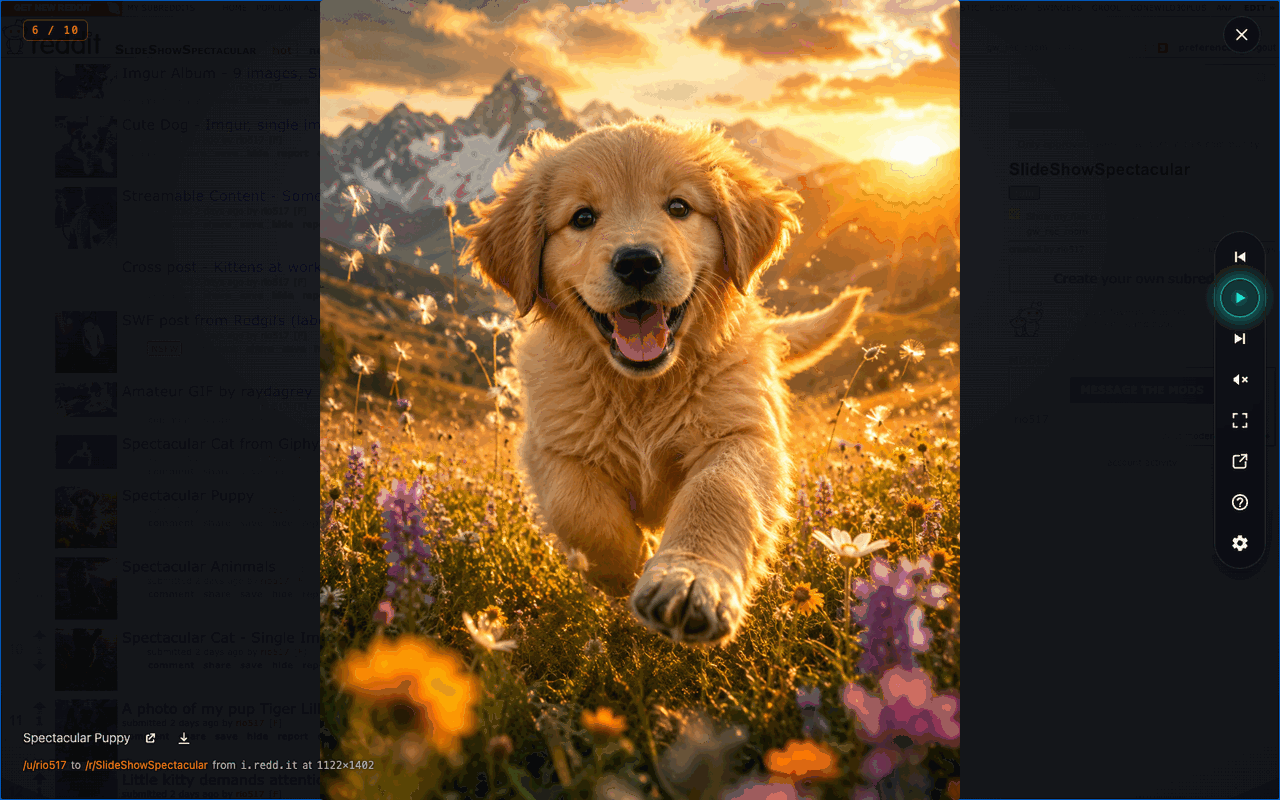
The images and videos in your feeds - played back as a full-screen, keyboard-driven slideshow. Free. Private. Spectacular!
open source · no account · no tracking · no advertising
The fine print, up front
Reuses your logged-in Reddit – browse to your feed, open the browser.
No advertisements and no ad trackers.
No account, no analytics, no tracking, no cloud. Settings stay on your computer.
Pop the show into its own window, then AirPlay or Chromecast it to the TV.
Pages through your feed forever, filtering reposts, crossposts, and re-uploads with a local perceptual hash.
Reddit video with sound, plus Redgifs, Imgur, Streamable, Giphy, Catbox, galleries, and direct images.
Push in on any slide at the pointer and drag to look around - the show pauses while you do. Big images keep sharpening as you go, down to their own pixels.
Upvote or downvote with ↑ / ↓, block or friend the author, or download and open originals - all through your own session.
Tune timing, transitions, and the pan & zoom motion live from the overlay's gear - no reload.
Keyboard shortcuts
| Alt+Shift+S | Launch the slideshow (changeable in settings) |
|---|---|
| ←/→ | Previous / next slide |
| Shift+→ | Skip to the next post |
| Page Up/Page Down | Jump back / ahead 10 |
| ↑/↓ | Upvote / downvote the post |
| Space | Play / pause |
| M | Mute / unmute |
| F | Fullscreen |
| D | Download the current image or video |
| I | Block the author and skip their post |
| A | Add the author as a friend / follow them |
| +/− | Zoom in or out at the pointer (or scroll) - pauses the show; drag to pan |
| ? | Show or hide the shortcuts panel |
| Esc | Close, or dismiss an open panel |
Free, open source, and private - it runs on your own logged-in Reddit session. Chrome: install from the Web Store. Firefox: install from the Add-ons store.
Rather build it yourself? Follow the build-from-source guide on GitHub.
It's an open production. Splice in a feature, patch a bad frame, or request the reel you wish it played. Roll camera.